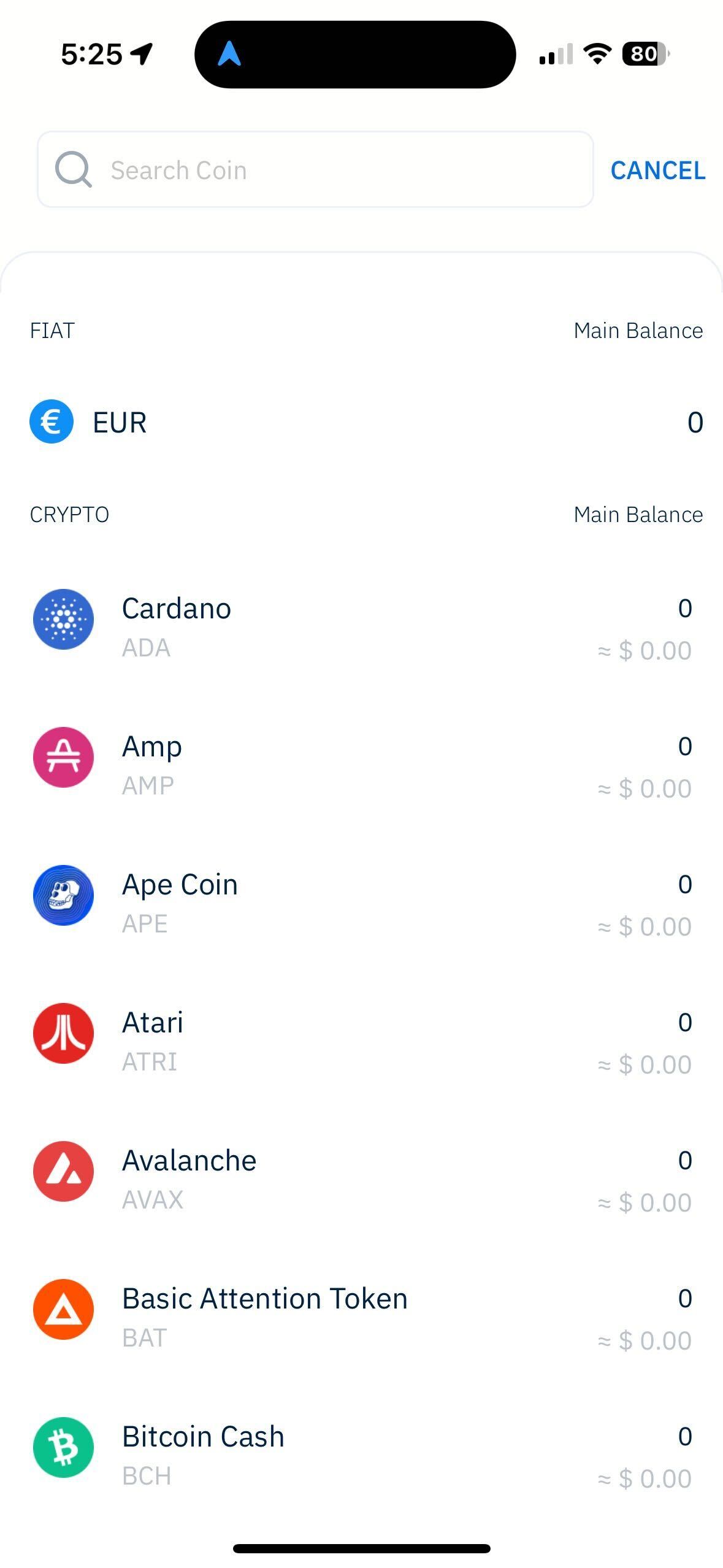
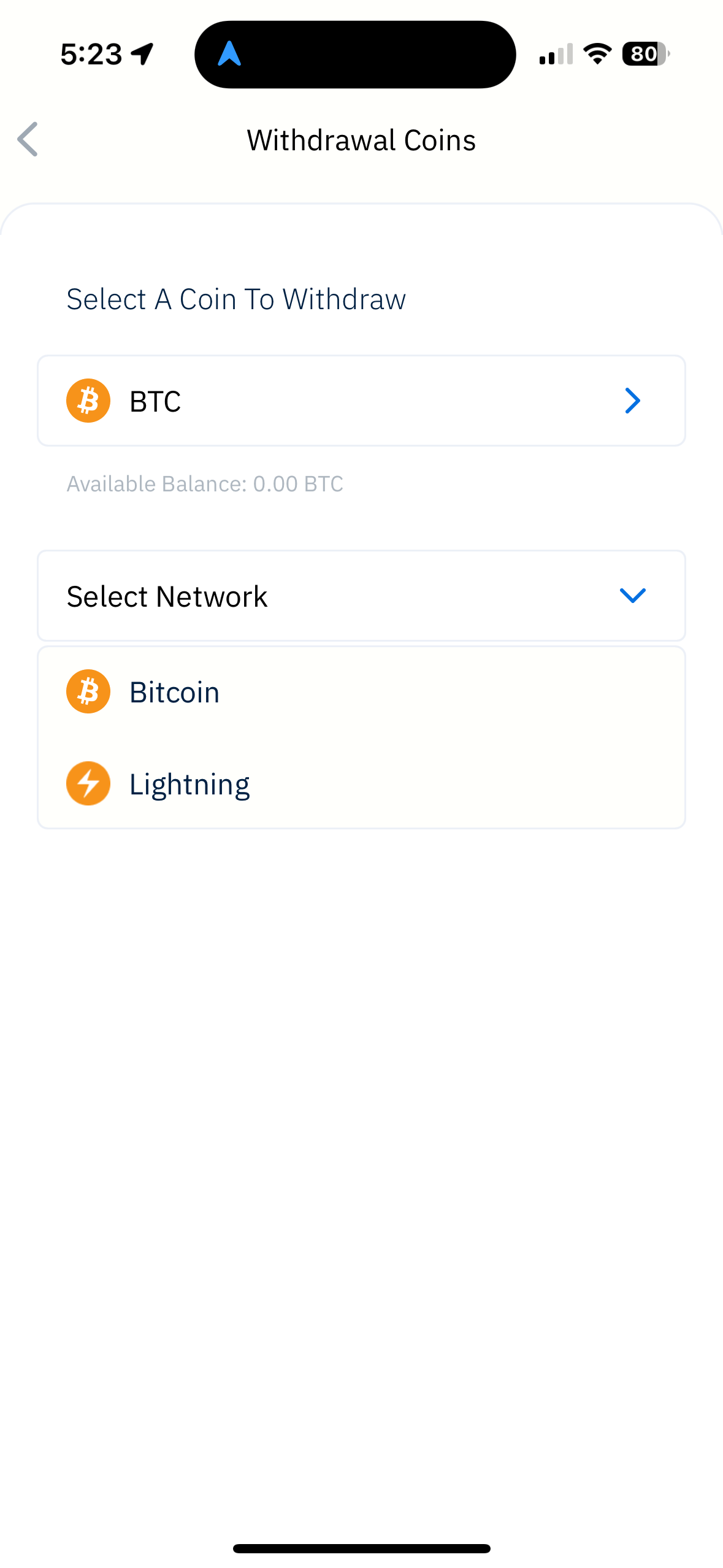
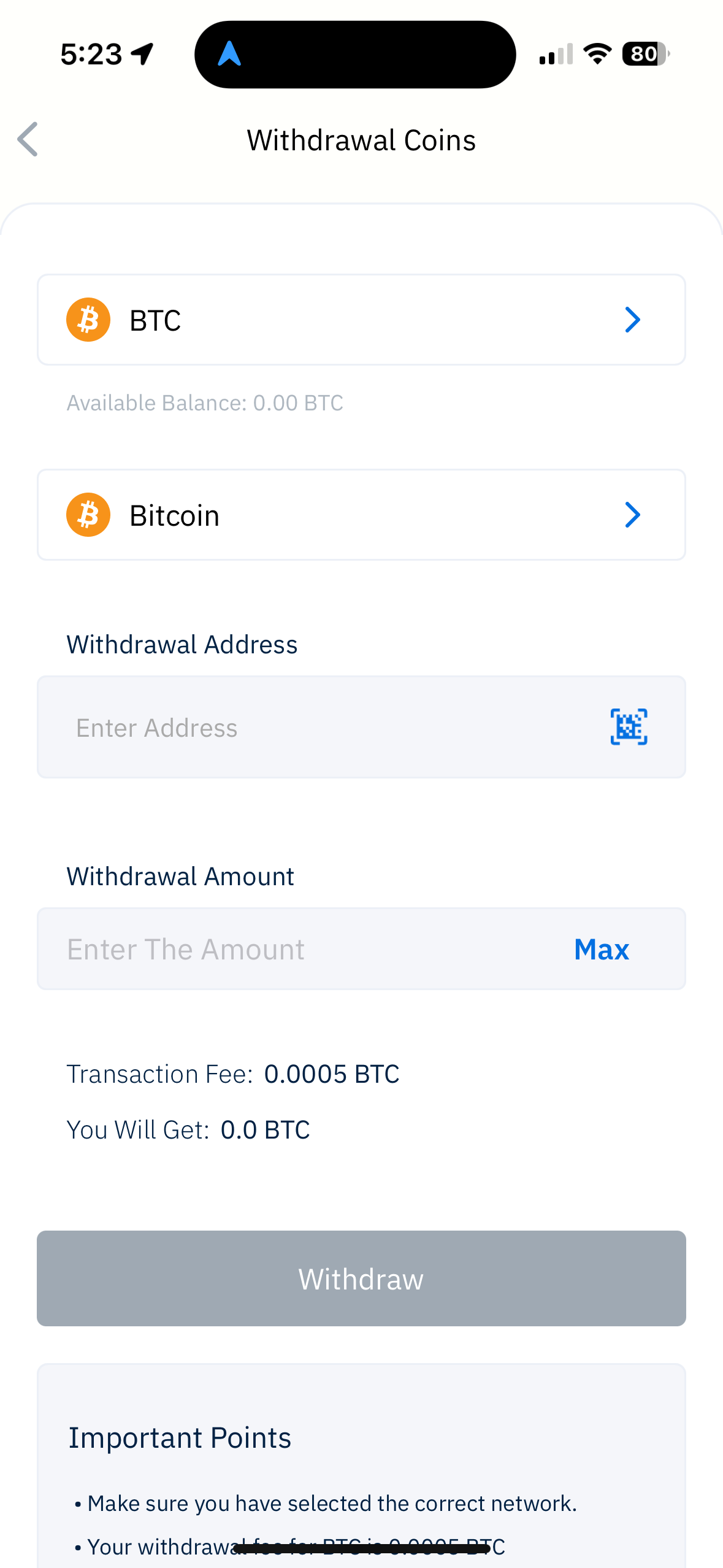
Baza de cunoștințeÎNTREBĂRI FRECVENTECĂUTARE← Back to FAQHow to withdraw funds from the account? To withdraw BTC, ETH, USDC, $LCX or other digital assets, you are required to follow the below mentioned steps: Open LCX Mobile app Press the LCX logo button on the home page Click on the withdraw icon Scroll down to the digital asset that you intend to withdraw. Now Select the network Now enter the withdrawal address and withdrawal amount Now click on withdraw Fill the 2FA and You’ll receive an email notification confirming your withdrawal. The full deposit history and status of your deposit can be found in the transaction button in the app.