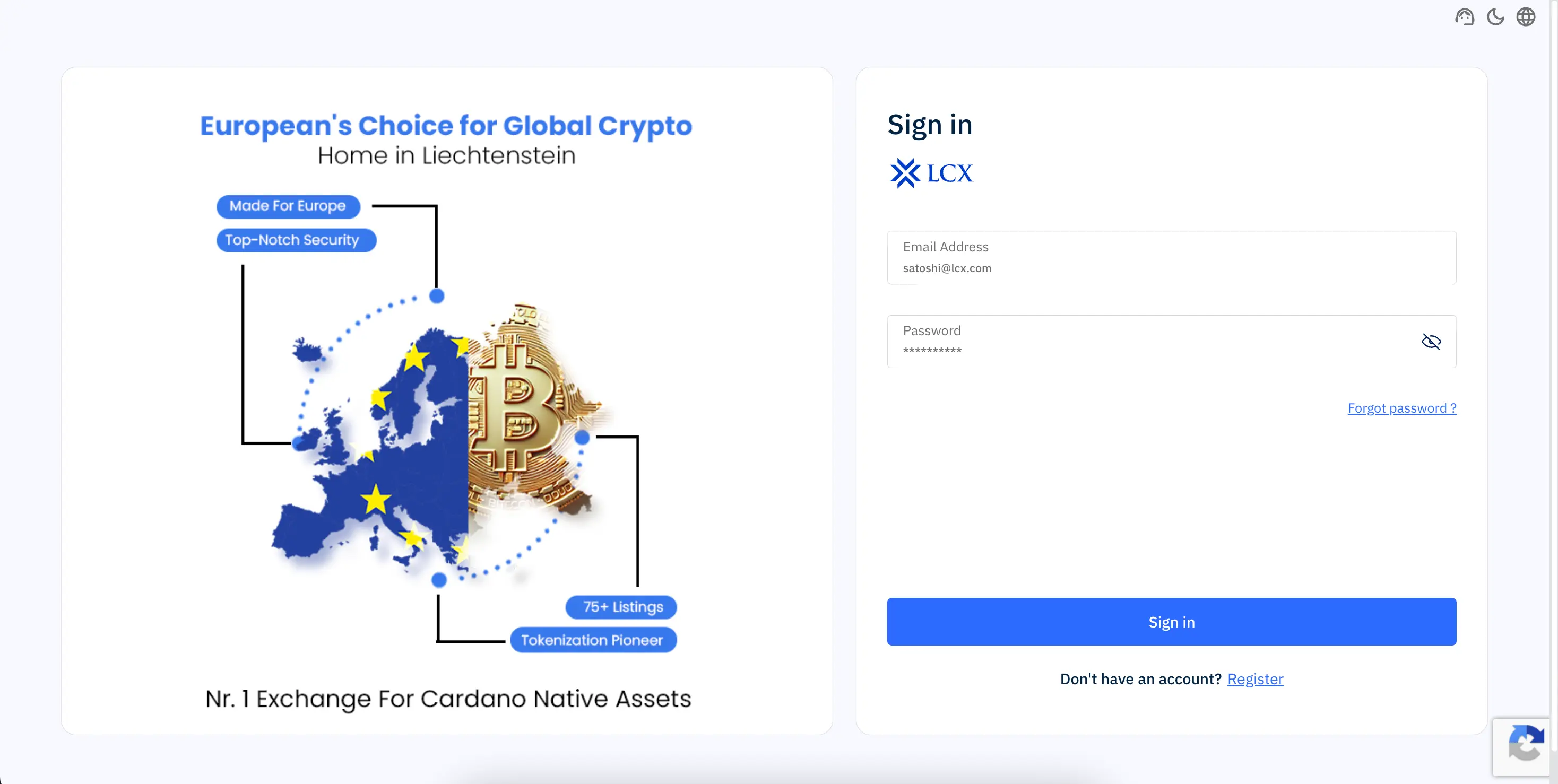
- Enter your registered email address and password
- Complete verification using the OTP sent to your registered email
- Enter your 2FA code if two-factor authentication is enabled
- Follow the on-screen instructions to access your account
Next steps if issues persists:
- Ensure your login credentials are correct
- Check your inbox (and spam or junk folder) for the OTP email
- Ensure your 2FA code is valid and not expired
- Avoid using VPNs or proxy networks
- Try again after a few minutes
If you are still unable to log in, contact LCX Support.