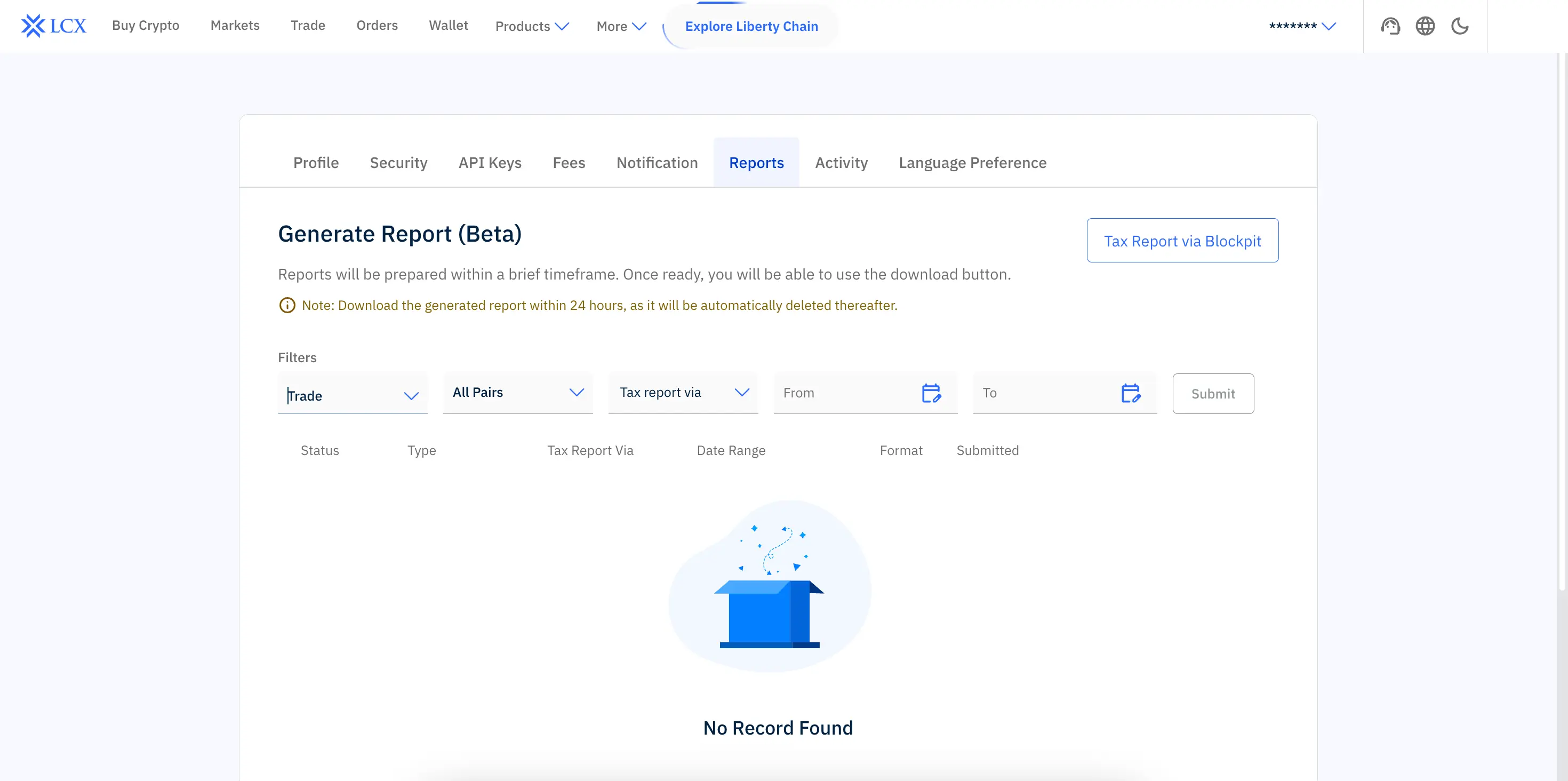
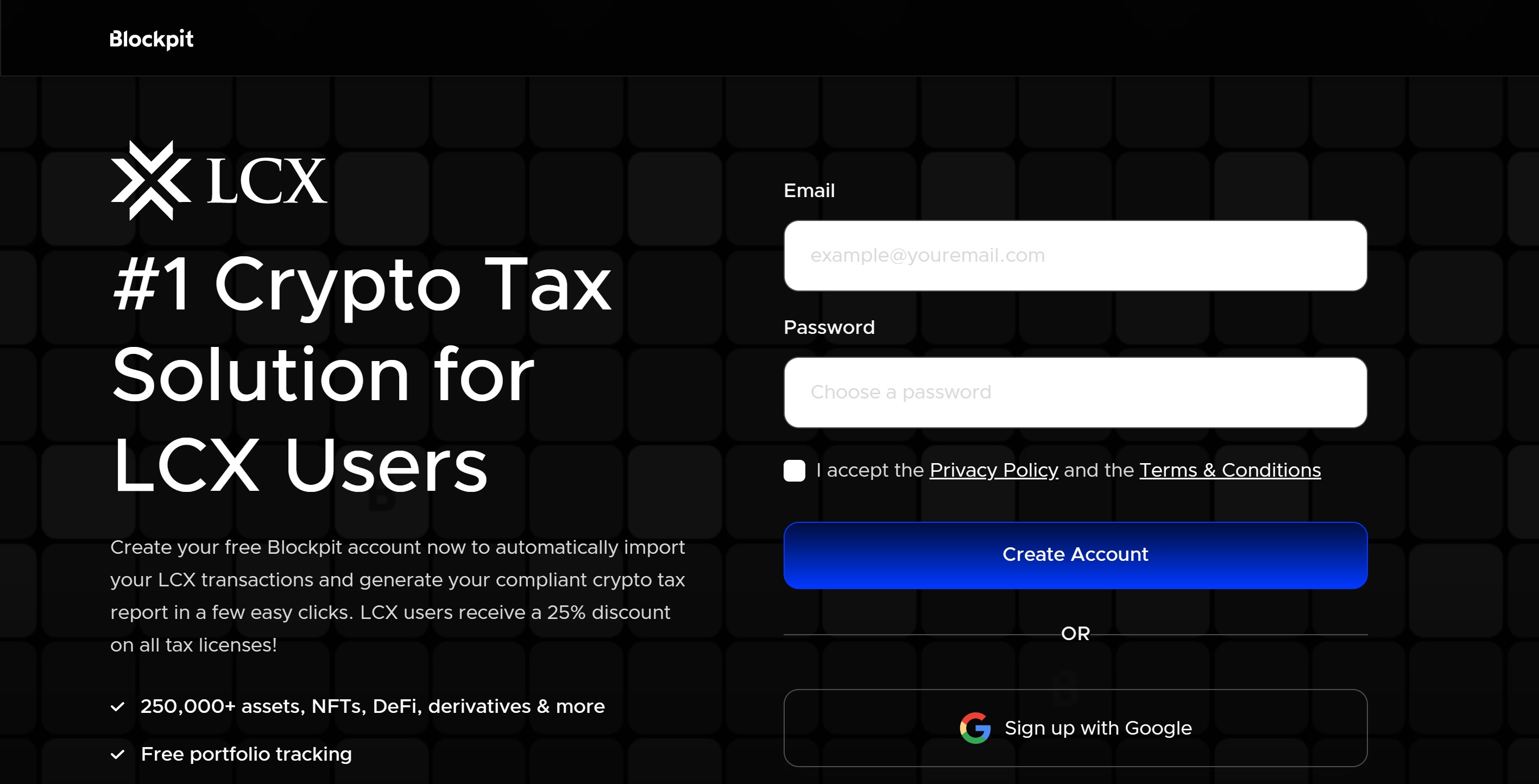
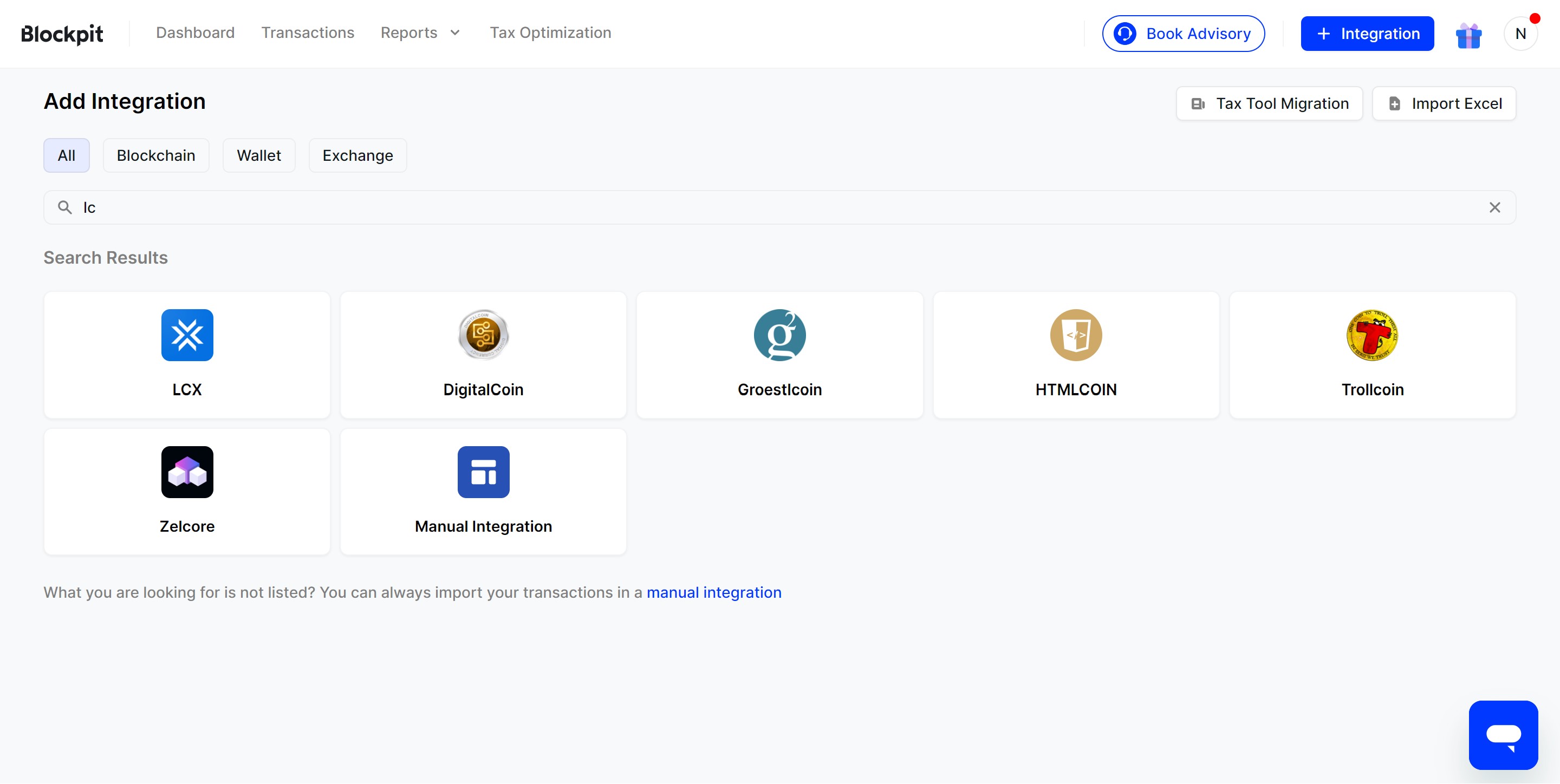
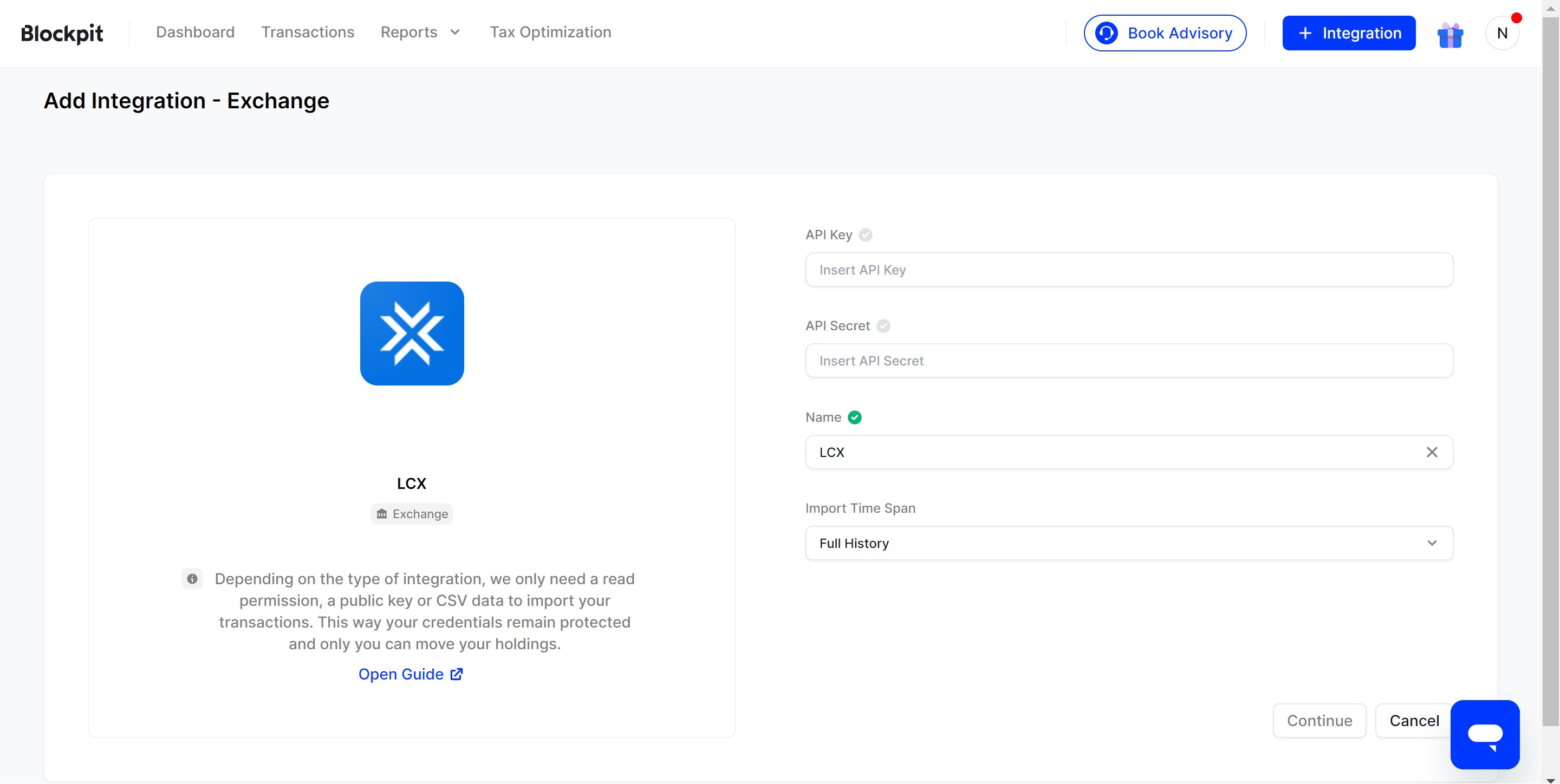
Base di conoscenzaDomande frequentiRICERCA← Back to FAQHow do I link my LCX account to Blockpit? Log into your LCX account. Go to your profile located in the top right corner and click on “Reports”. Click on the button labeled “TAX report via Blockpit”. A new tab will open, where you need to enter your Email credentials. Check your email for a verification link to activate your account, and click on “Activate Account”. In the newly opened tab, click on “Integration” and select “LCX”. Fill out the required details as mentioned. For detailed instructions, you can refer to the guide How to import data via LCX Exchange API key? Once you have filled out the details, click on “Continue”. You will receive a pop-up notification confirming that the integration has been successfully added. Please access the following link for a brief video tutorial: Link