


База знань
ПОШИРЕНІ ЗАПИТАННЯ
ПОШИРЕНІ ЗАПИТАННЯ
FAQ
ПОШИРЕНІ ЗАПИТАННЯ
You can delete your LCX account directly from your profile settings.
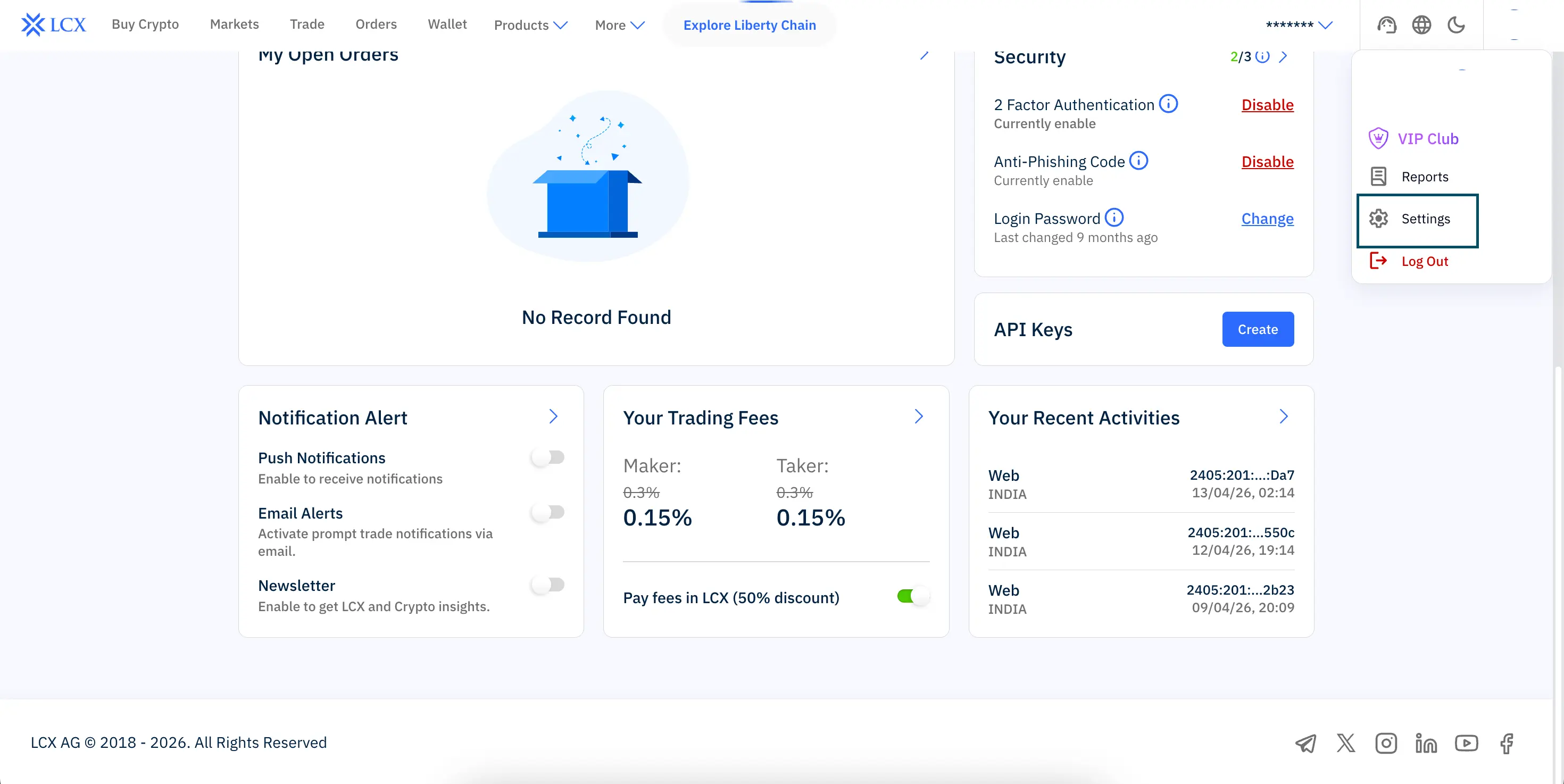
Steps to follow:
Once confirmed, your account will be permanently deleted.