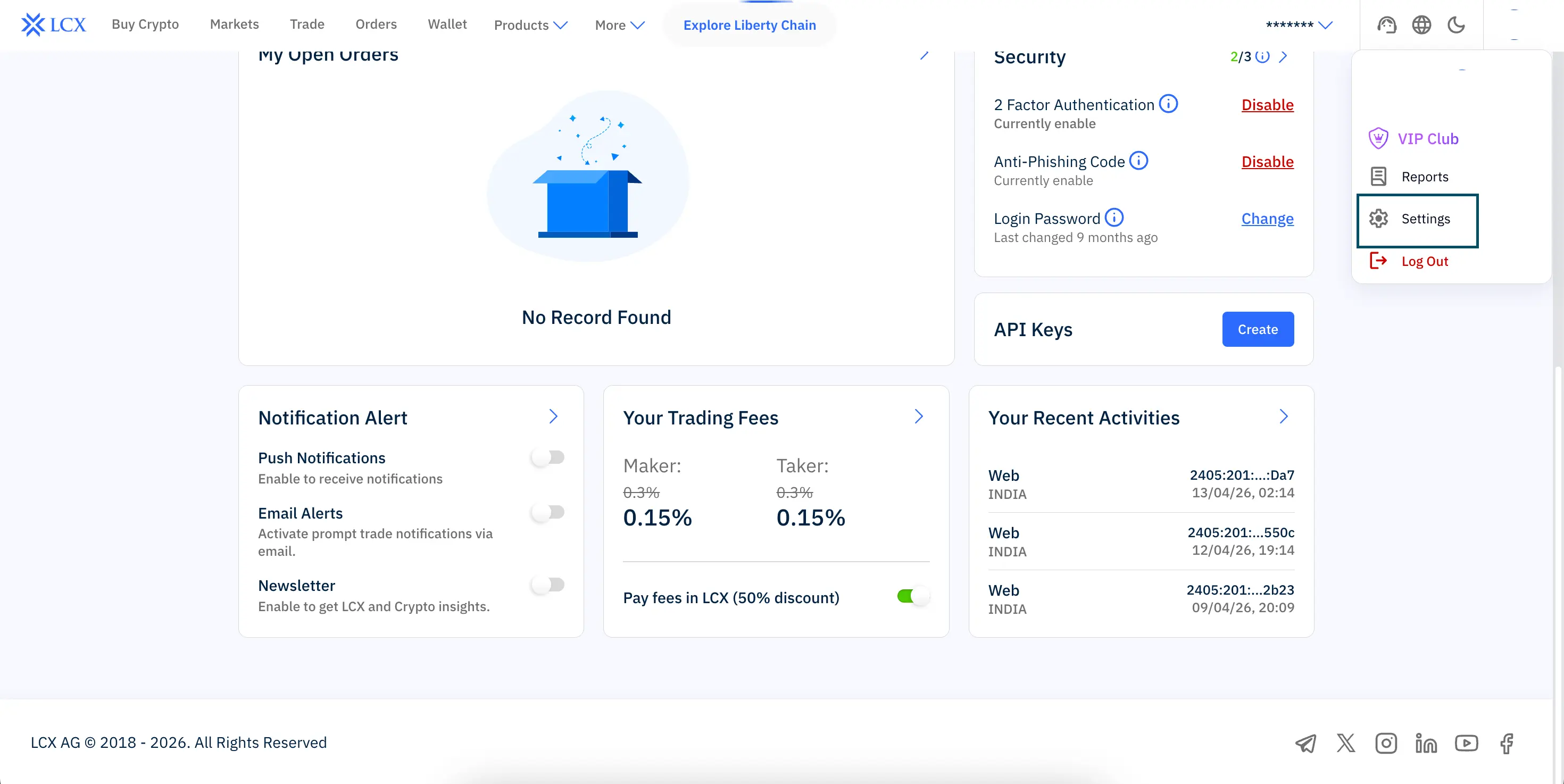
Base de connaissancesFAQRECHERCHE← Back to FAQHow do I delete my LCX account? You can delete your LCX account directly from your profile settings. Steps to follow: Log in to your LCX account using your registered email ID Click on your profile icon in the top right corner Select Settings from the dropdown menu Scroll down and click Close Account Confirm your request when prompted Once confirmed, your account will be permanently deleted.