Kennisbank
Veelgestelde vragen
FAQ
Veelgestelde vragen
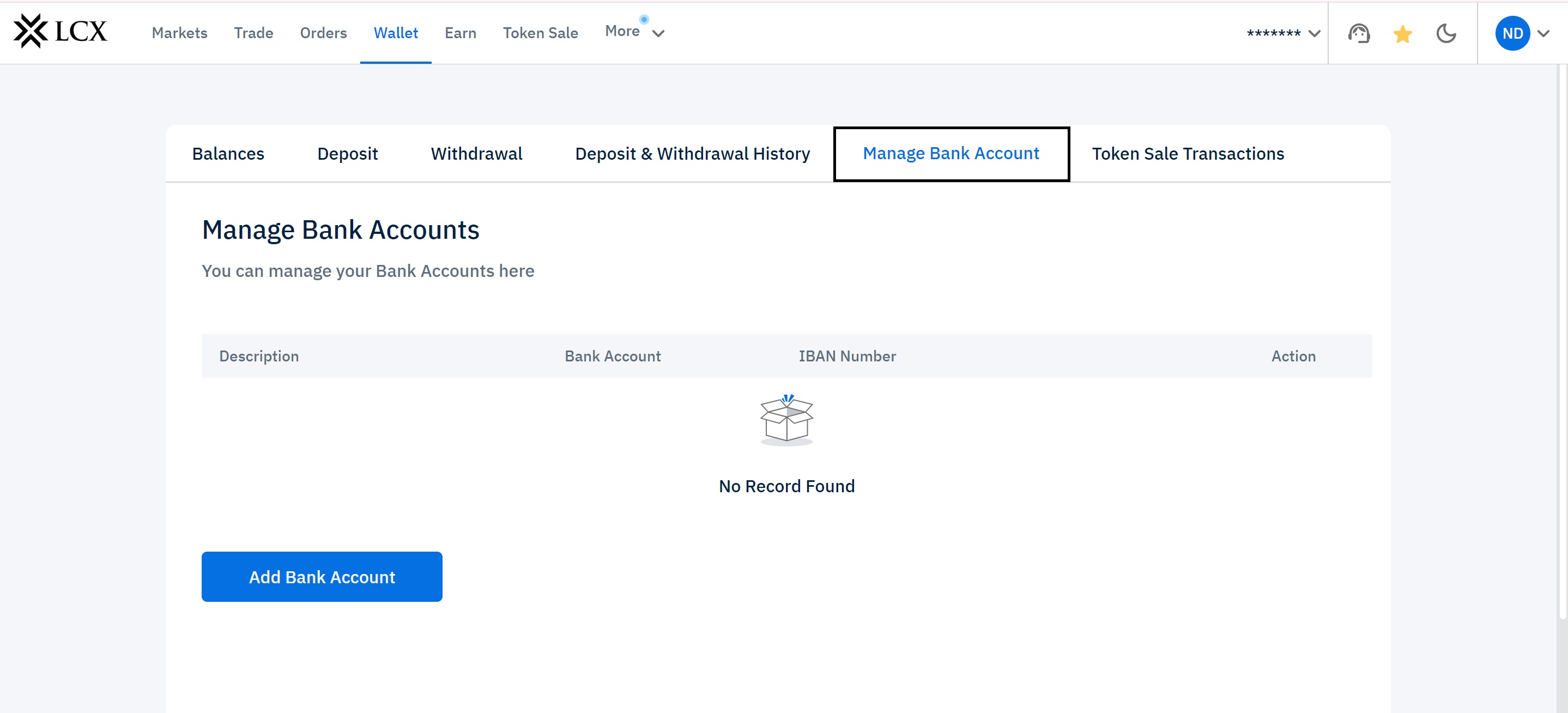
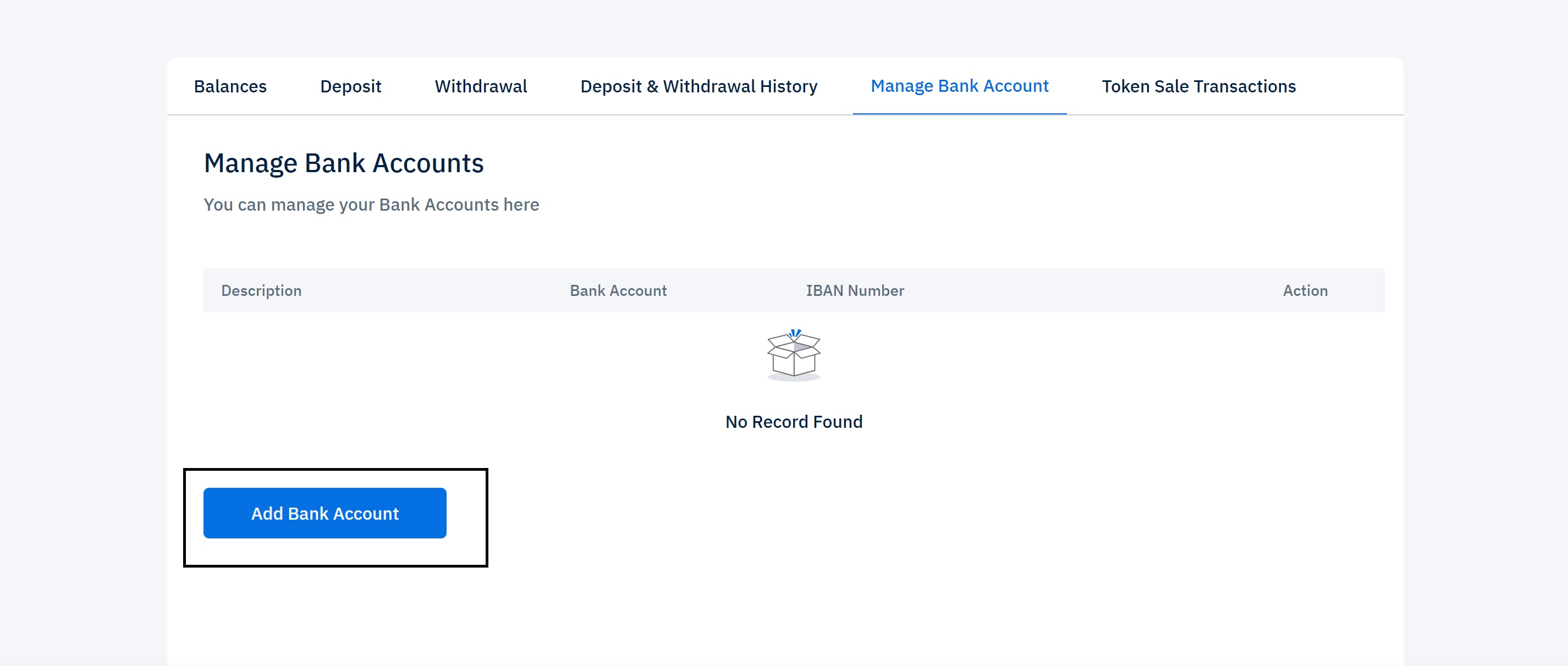
3. Click on Add Tab. You will see this window.
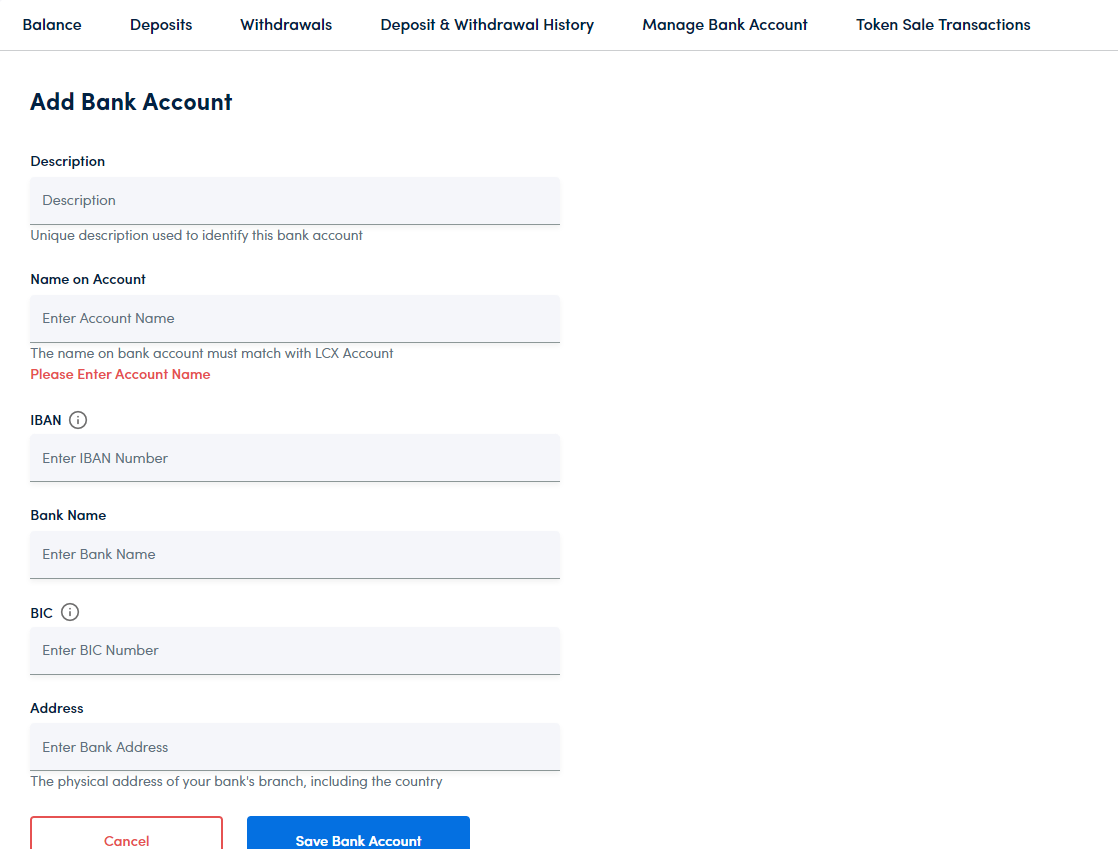
4. Fill in the information requested under the Bank Accounts Section. Make sure that the information entered is correct and that the name on the bank account is the same as that of your LCX Account.
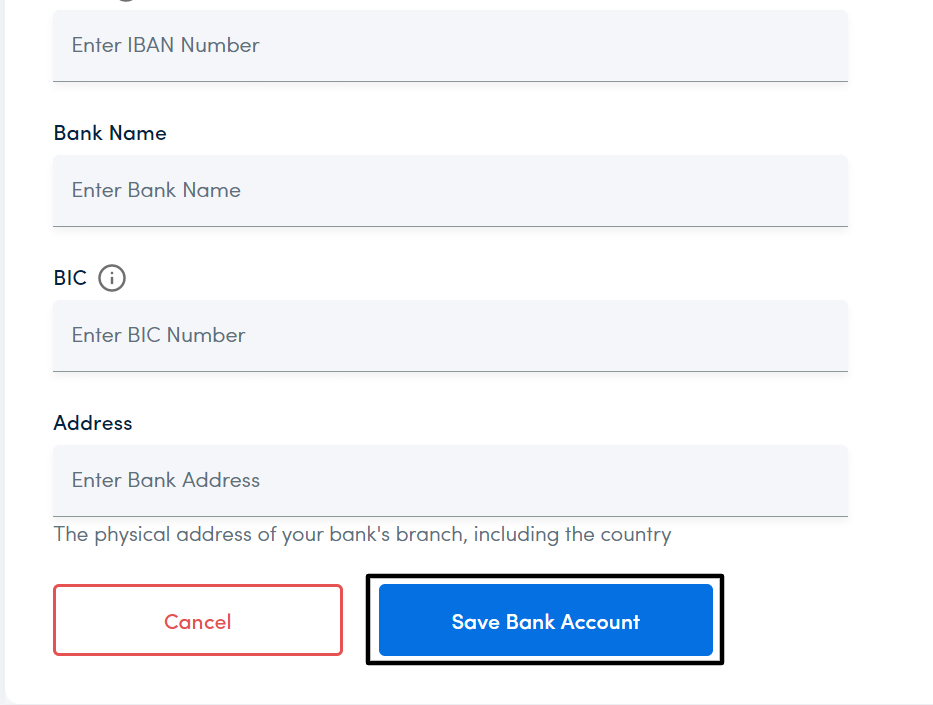
5. Click on the Save Bank Account tab once you have filled every section.
6. Your Bank Account will be successfully added to your LCX Account.