知识库
常见问题
FAQ
常见问题
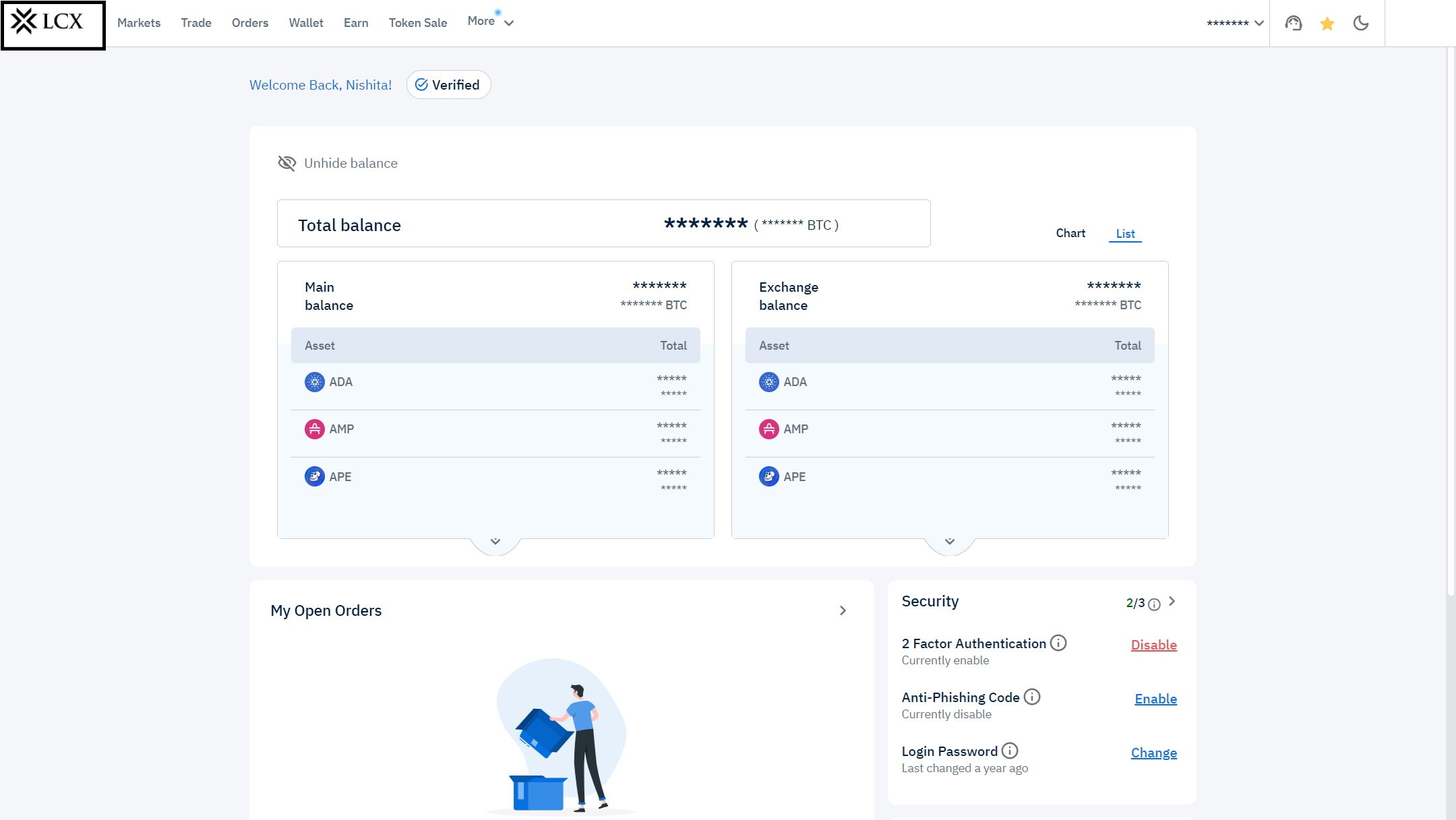
-Go to Exchange Dashboard
-Scroll down and see API Key’s section on the right side
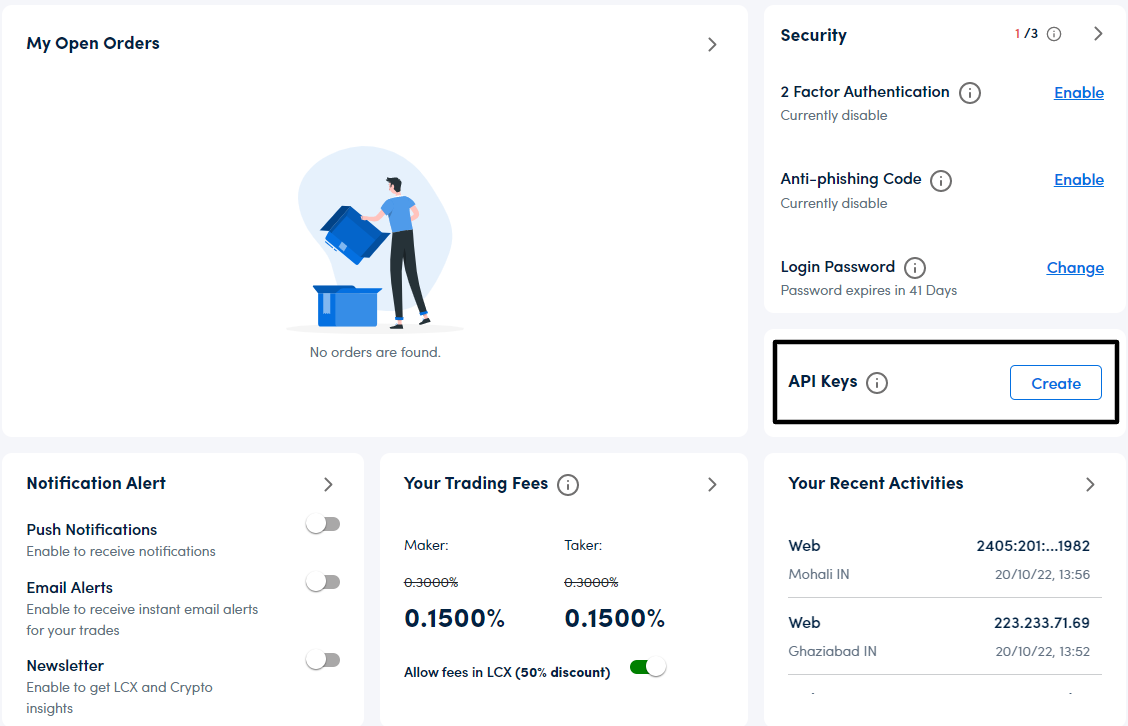
-Click Create
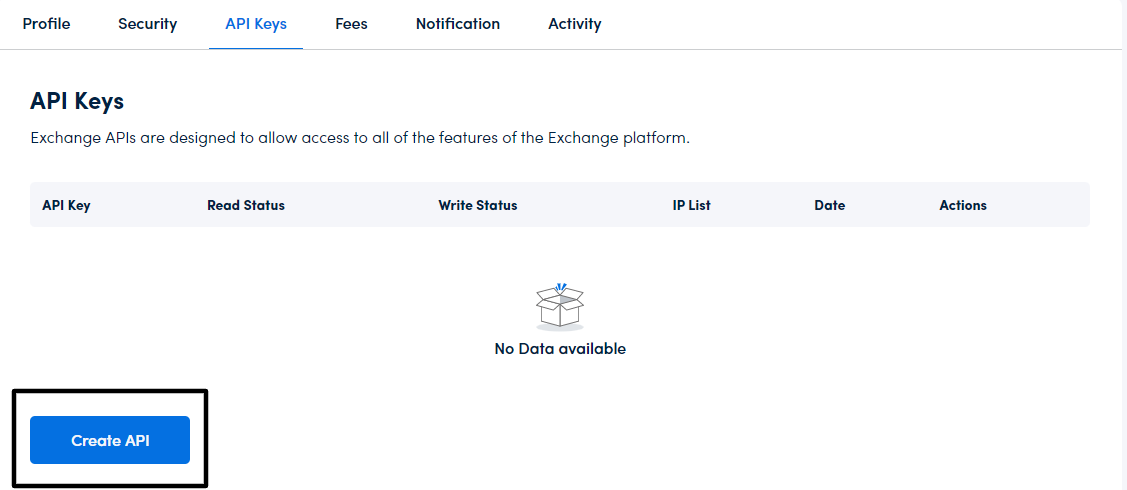
-Click on “create API”
-Select Read and/or Write
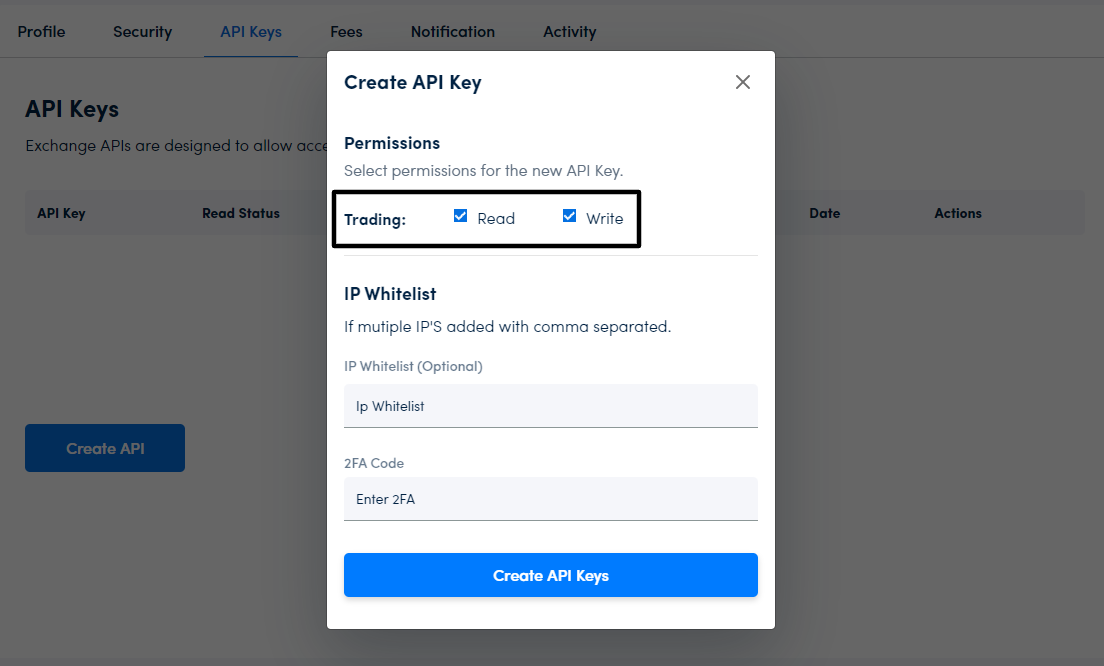
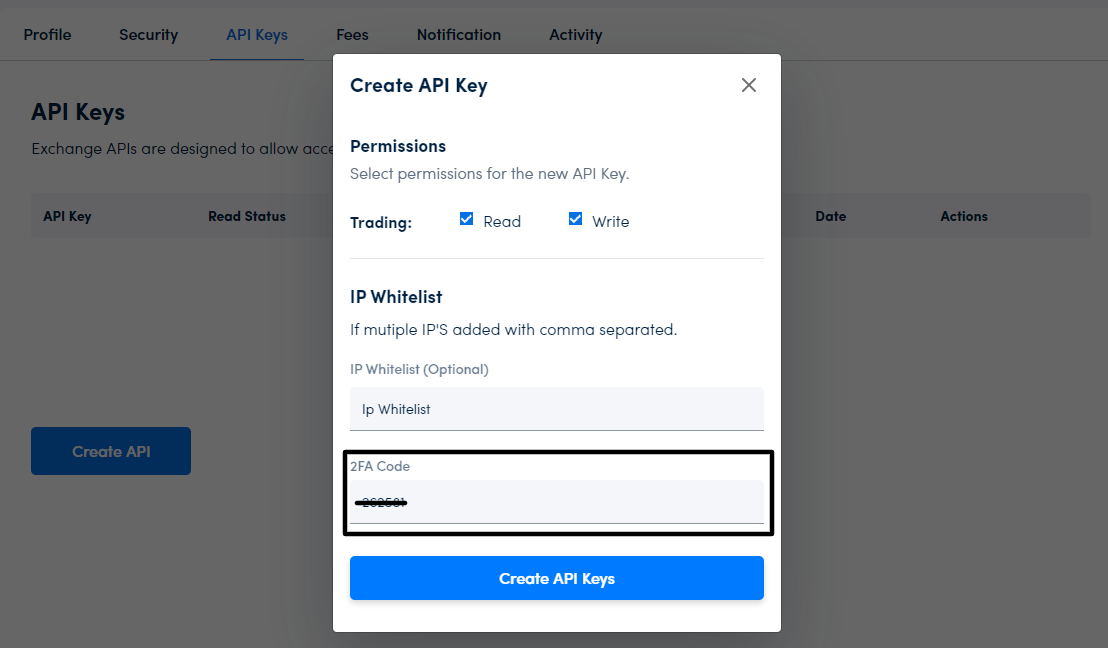
– Enter the 6 digit code displayed on Google Authenticator
-Click “Create API Keys”
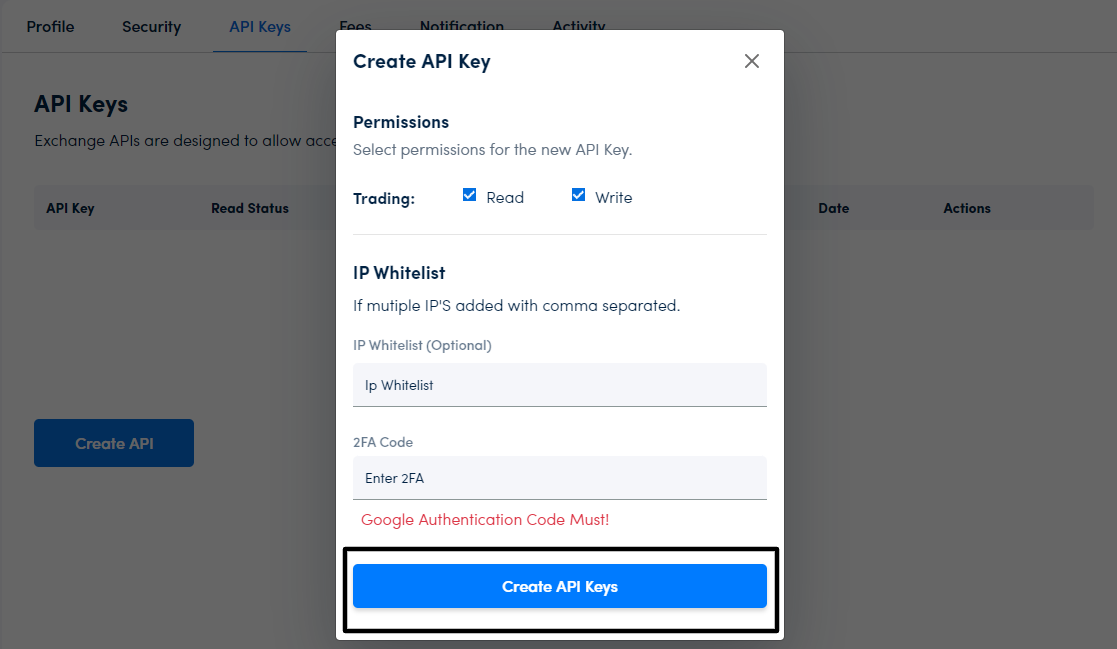
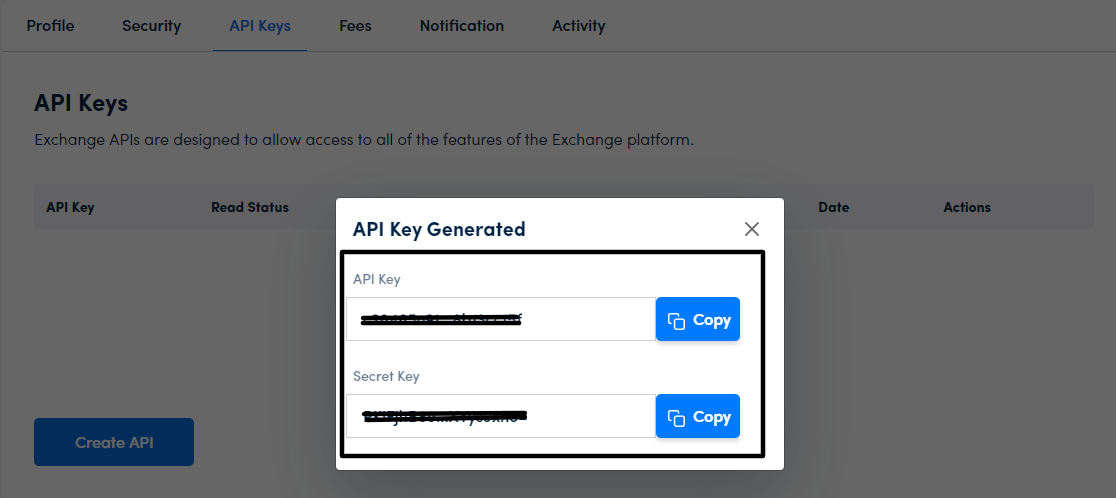
-Your API Key is created. Please copy the keys