Wissensdatenbank
Häufig gestellte Fragen
Häufig gestellte Fragen
FAQ
Häufig gestellte Fragen
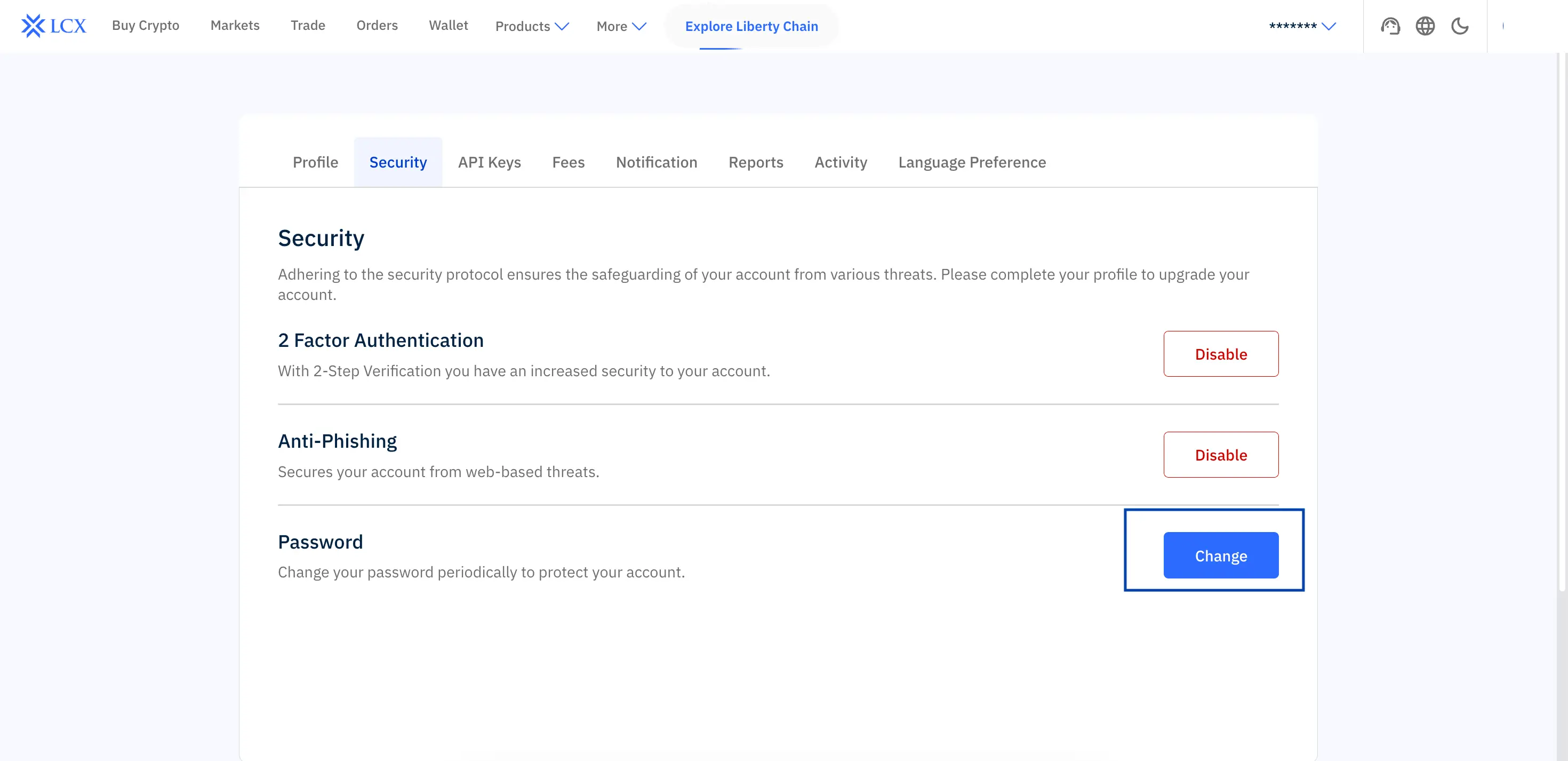
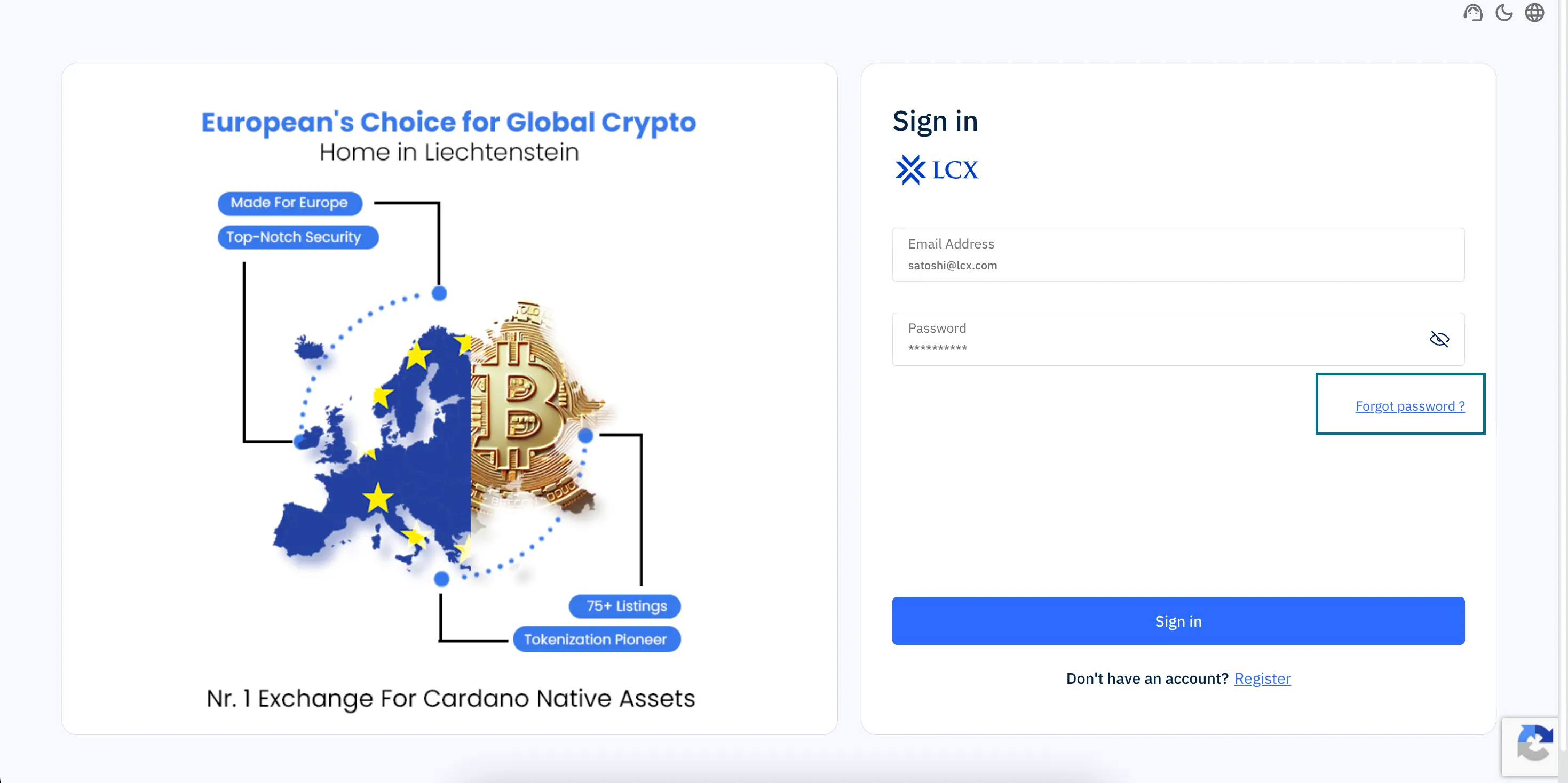
You can either change your password from your account settings or reset it if you are unable to log in.
Change your password (while logged in)
Reset your password (if you cannot log in)
Next steps if you face issues
If you are still unable to update your password, contact LCX Support.