


Knowledge Base
FAQ
FAQ
FAQ
You can deposit EUR into your LCX account using the following methods:
Follow the steps below to complete your deposit.
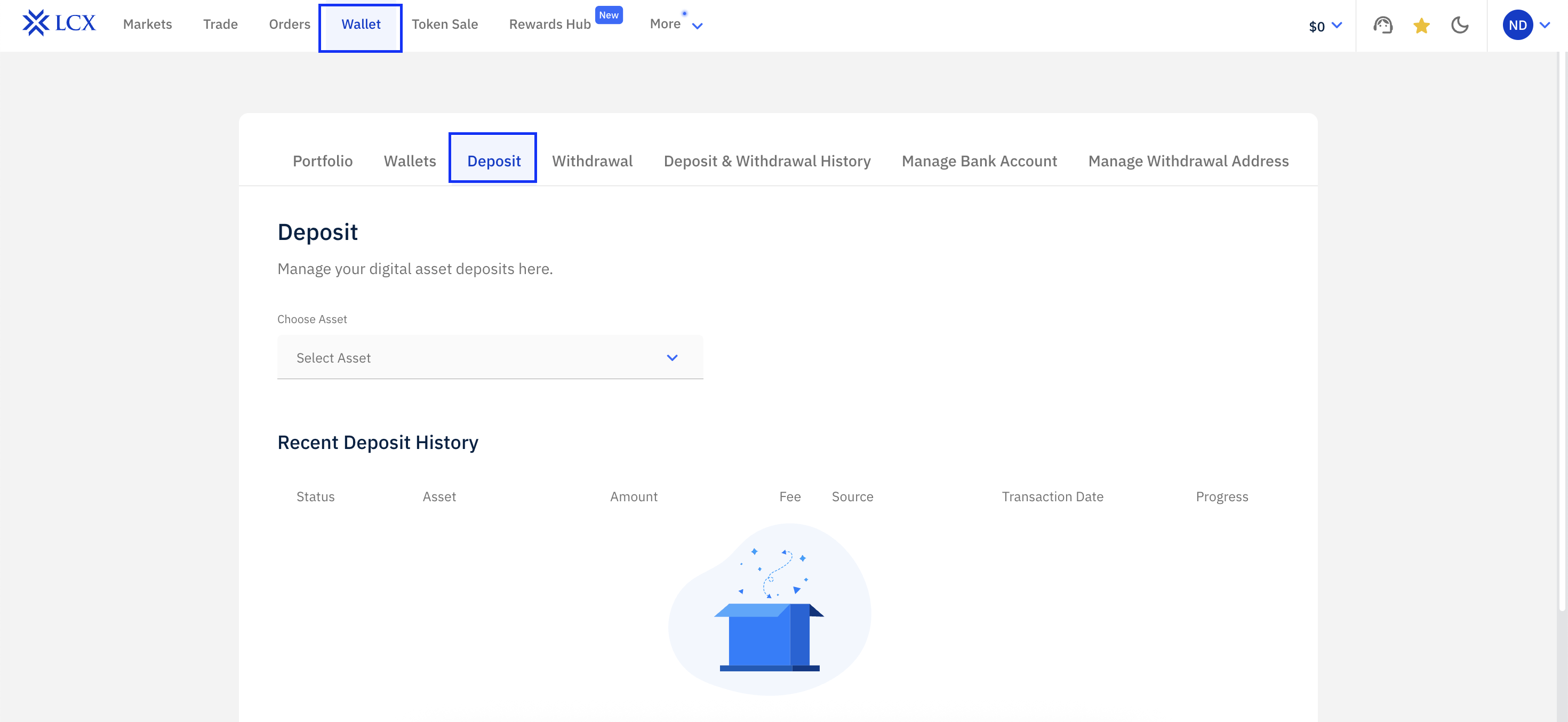
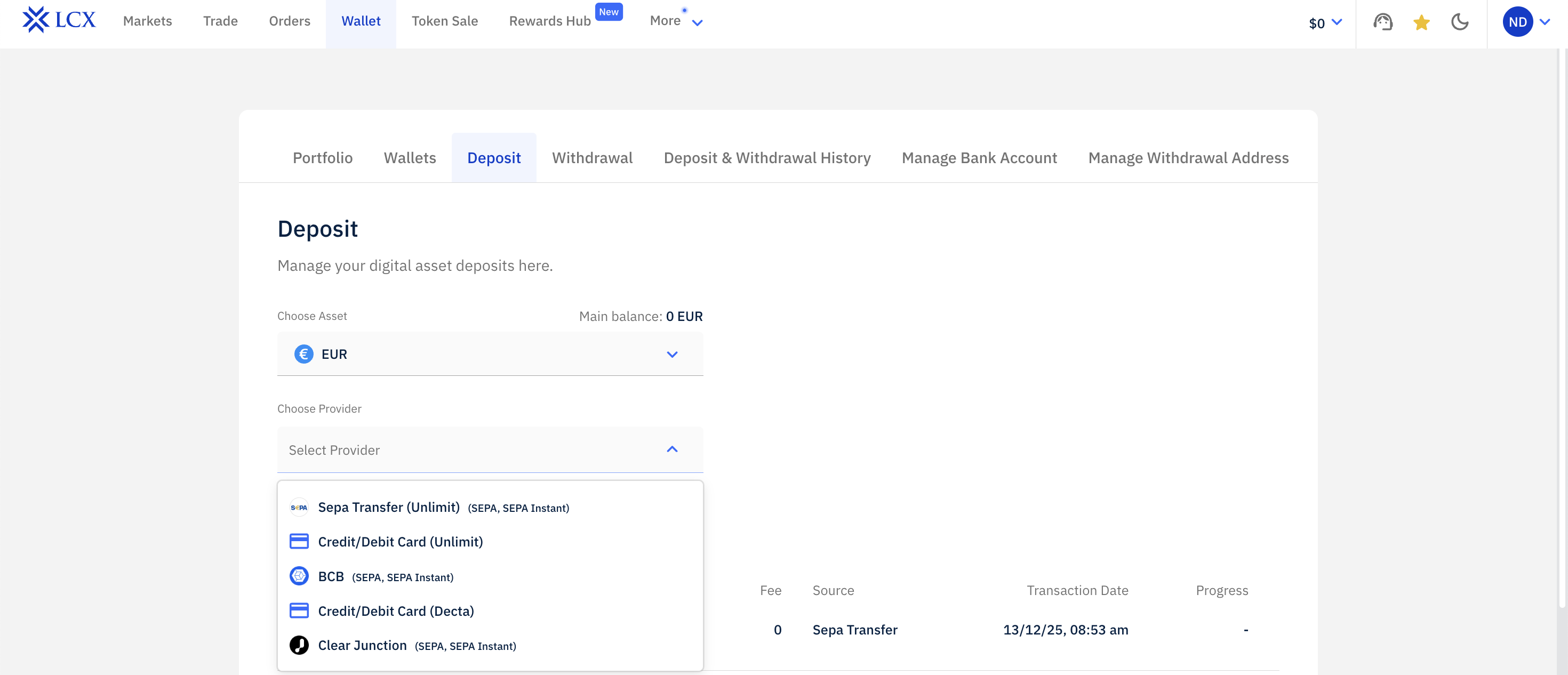
4. Once you select Euro, you need to choose the provider.
If you choose SEPA Transfer via Unlimit
– Enter the amount you wish to deposit. The applicable fee will be calculated and shown on the screen.
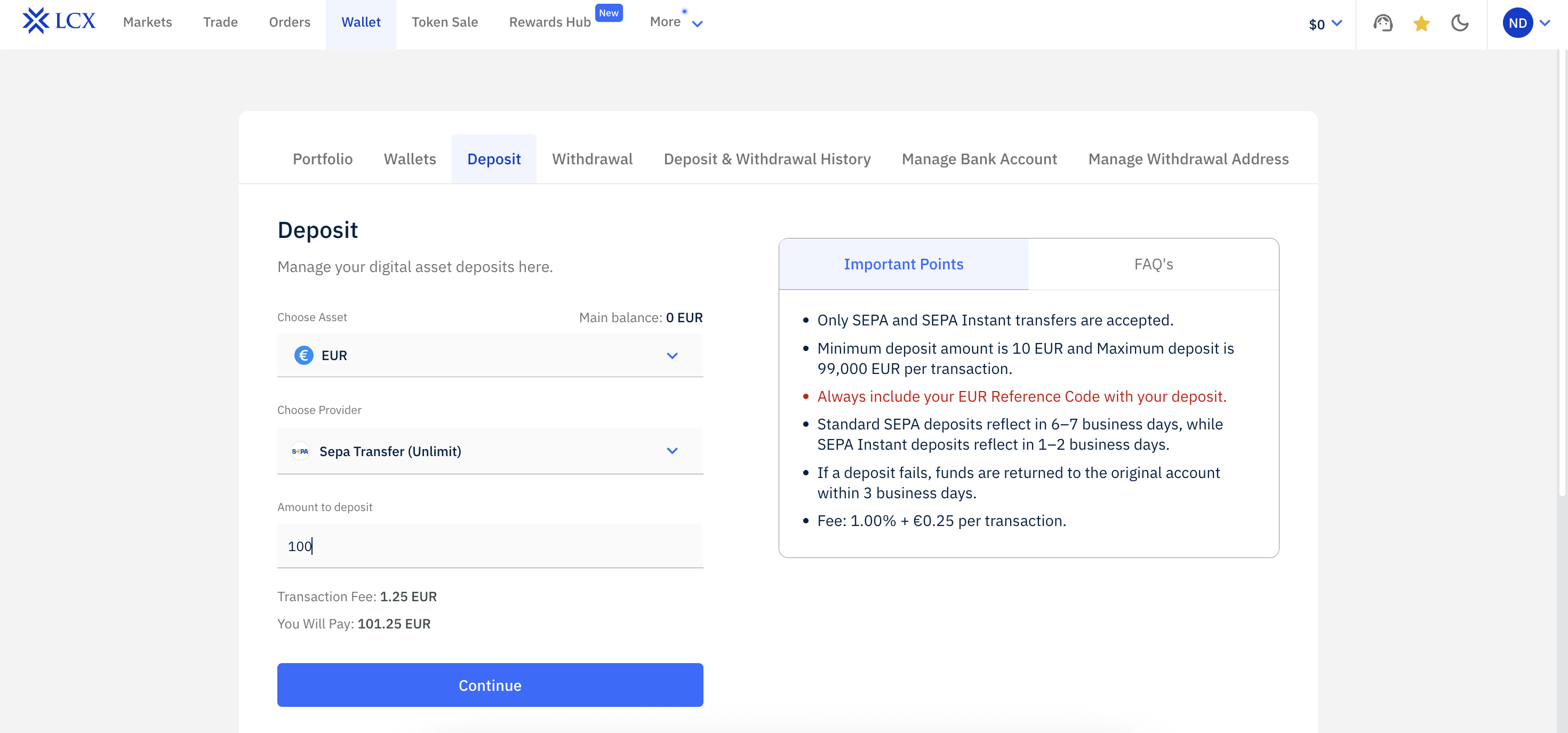
– Click Continue to proceed. You will be redirected to the payment page where you can complete the deposit.
If you choose Credit or Debit Card via Unlimit
-Enter the deposit amount. The system will calculate and display the fee.
-Click Continue, follow the on screen instructions, and complete the deposit..
If you choose BCB or Clear Junction
First time users must add their bank account details before proceeding. You can follow the process explained here
https://www.lcx.com/info/faq/lcx-exchange/how-to-add-a-bank-account-for-deposit-and-withdrawal/
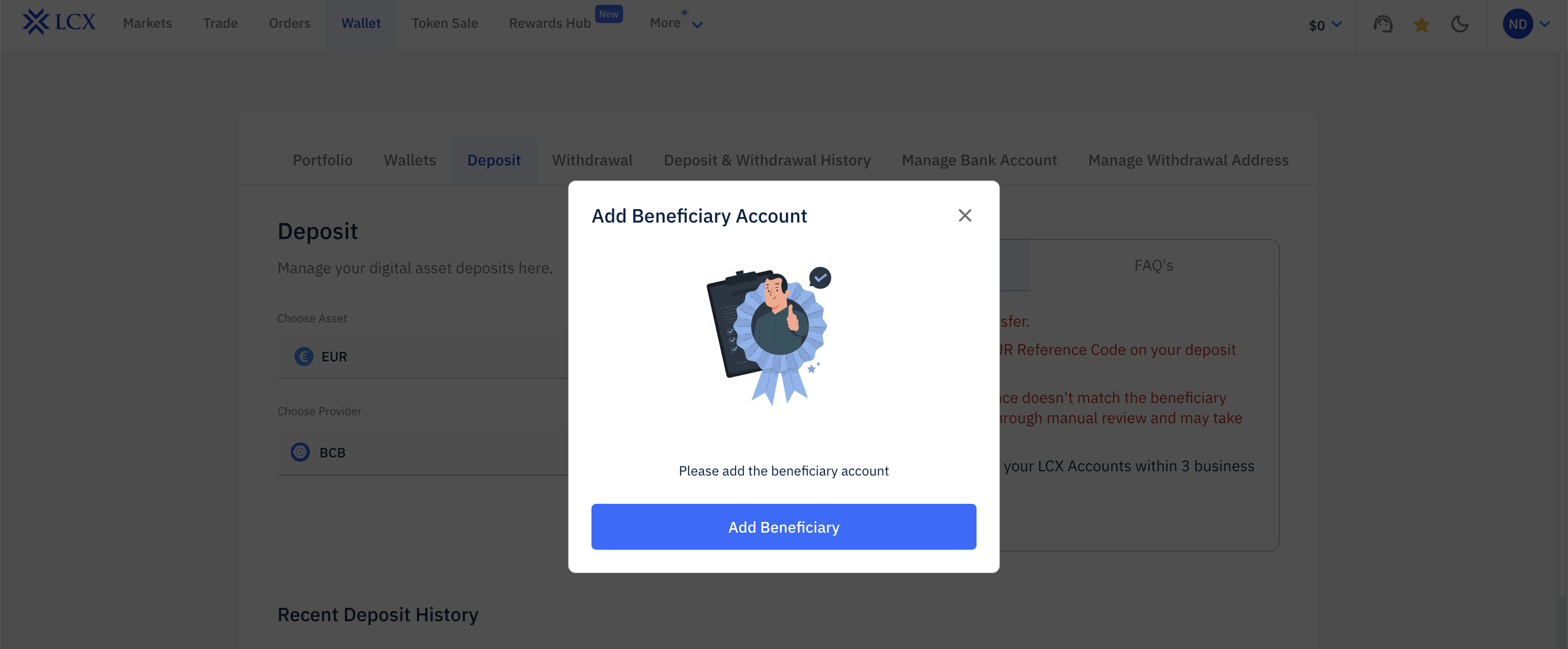
-After adding your bank account, follow the instructions shown on the Deposit screen.
For BCB, the IBAN starts with LU.
For Clear Junction, the IBAN starts with GB.
-Copy the IBAN number and the reference code exactly as shown.
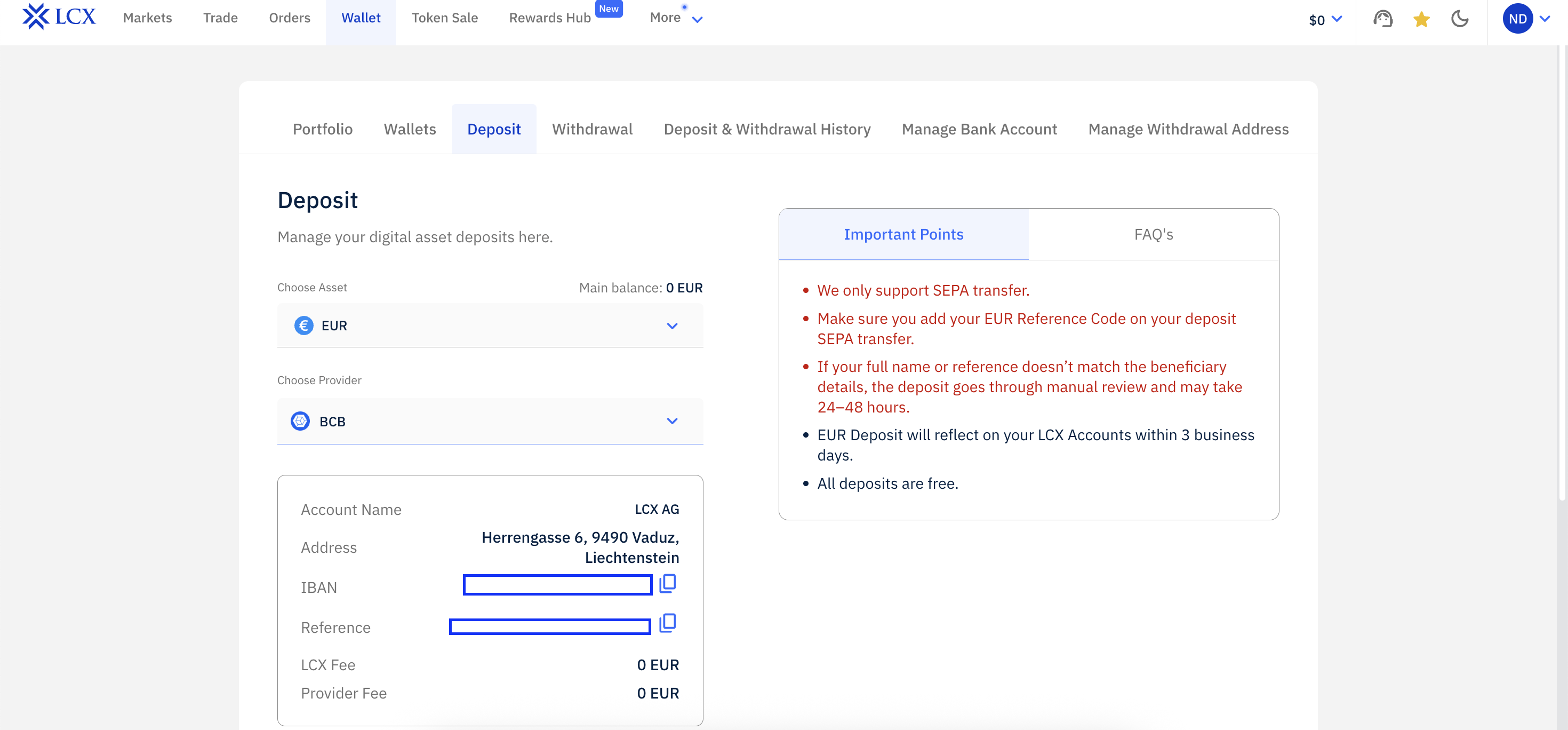
– Agree to the terms and conditions and click Confirm to complete the deposit.
– Your EUR deposit will be credited to your LCX account within 72 working hours.
For deposits using a credit or debit card, please visit the following FAQ.